
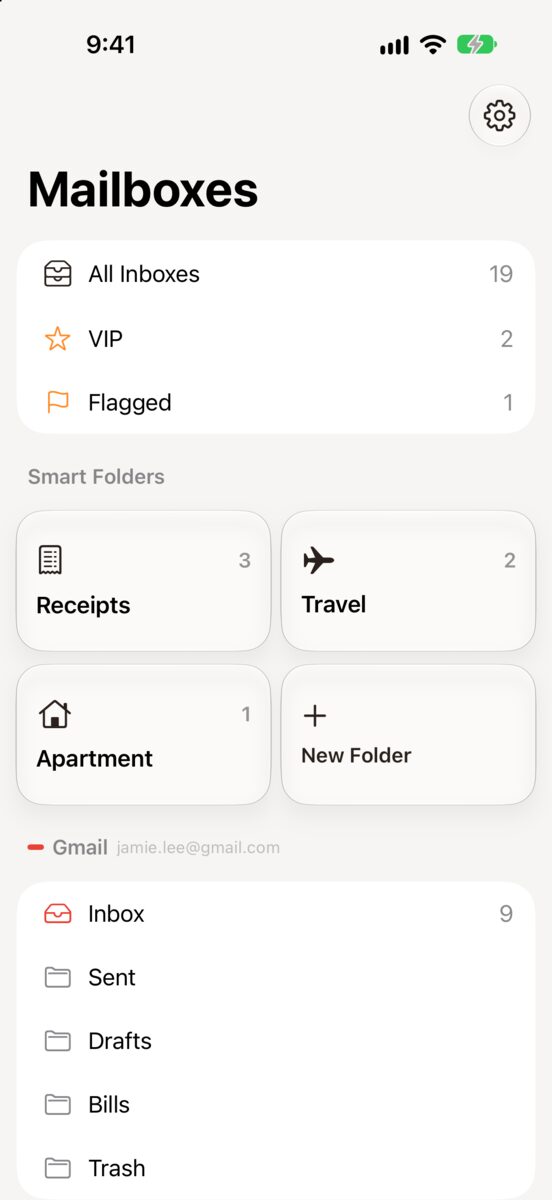
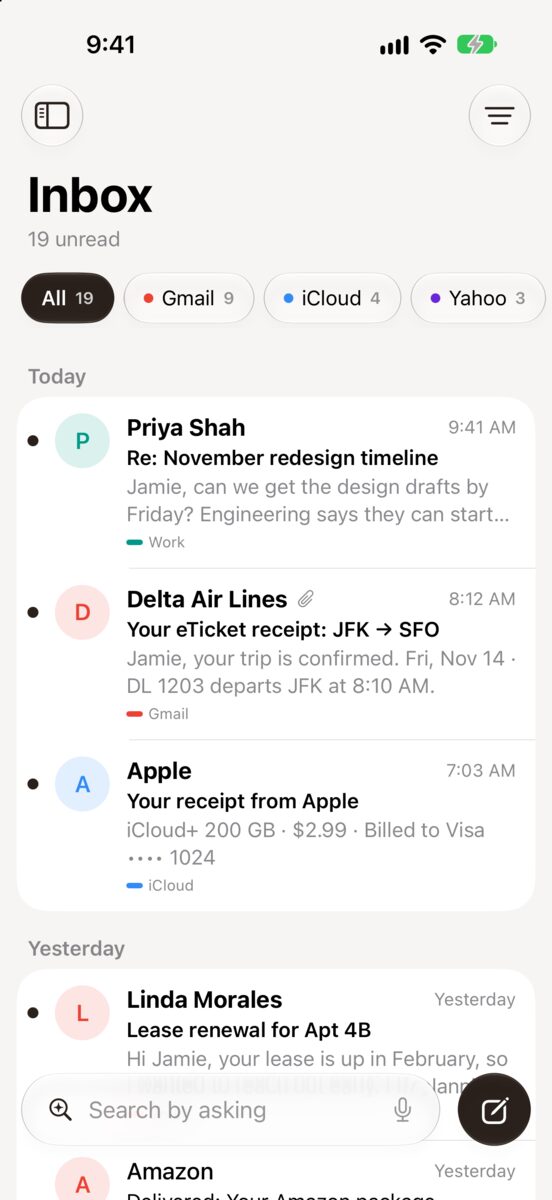
Every account in one inbox
Gmail, iCloud, and work mail land in one list, newest first. Want just one account? Pick it from the mailbox list.
Seal for iPhone
Read Gmail, iCloud, and your work email in one inbox.
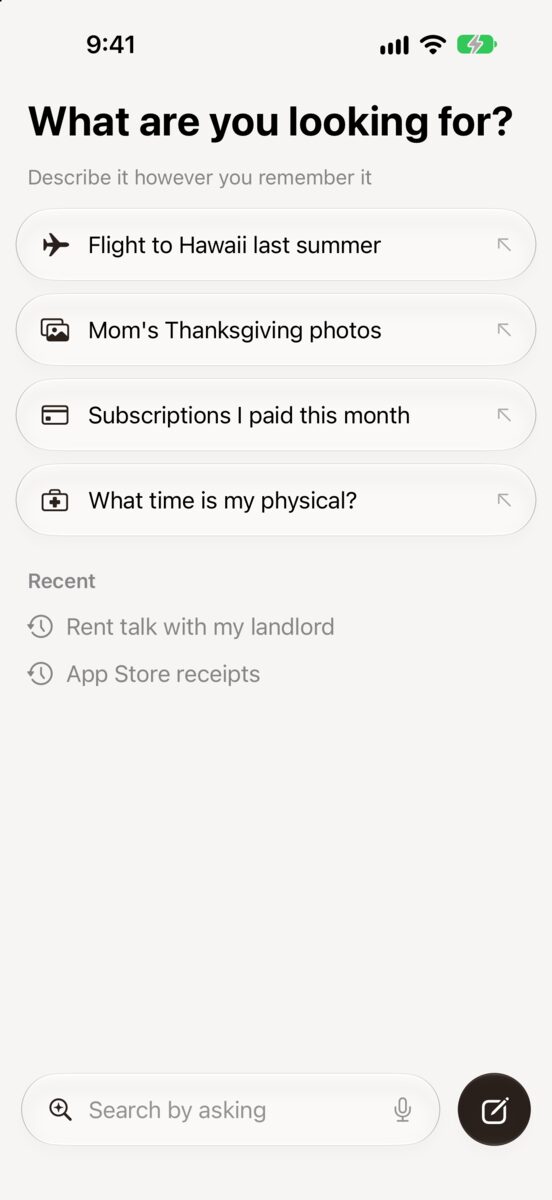
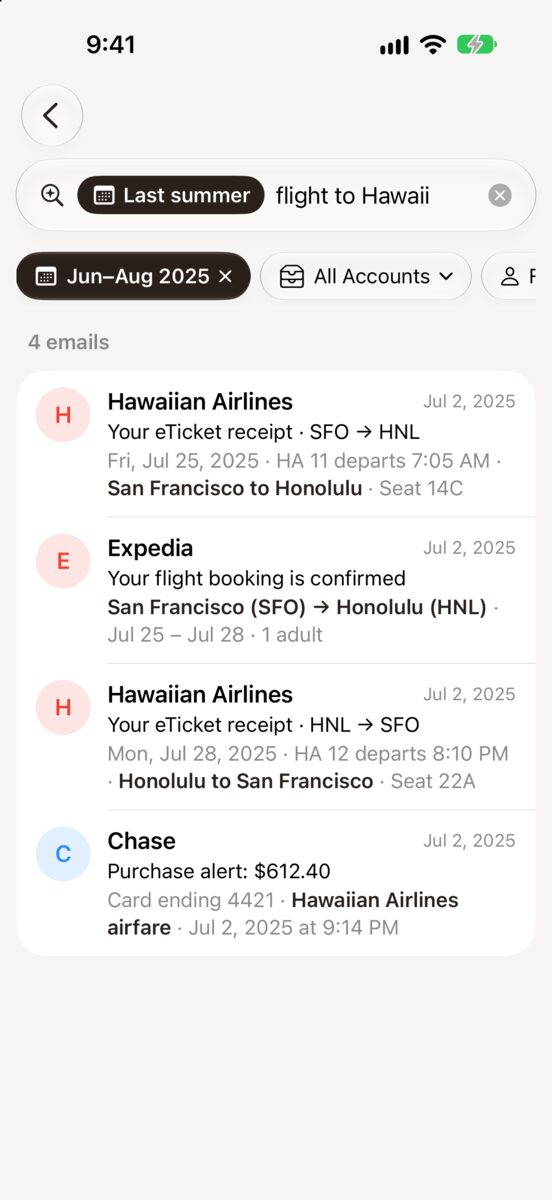
Type "flight to Hawaii last summer" and the booking shows up.
Free, with no sign-up. Your mail stays on your iPhone. No ads, no tracking.
 Gmail
 iCloud


Search
Seal finds messages by meaning, even when the words don't match. Phrases like "last summer" or "last month" become a date filter.
E-tickets, booking confirmations, and card charges all show up together, even though each one says it differently.

On-device search model
Seal ships with EmbeddingGemma, an open search model from Google. It finds mail by meaning instead of exact words, without sending anything to a server.
Many inboxes,
one search.
Features
No more opening a different app for every account. Reading, writing, replying, and organizing all happen in Seal.
Gmail, iCloud, and work mail land in one list, newest first. Want just one account? Pick it from the mailbox list.
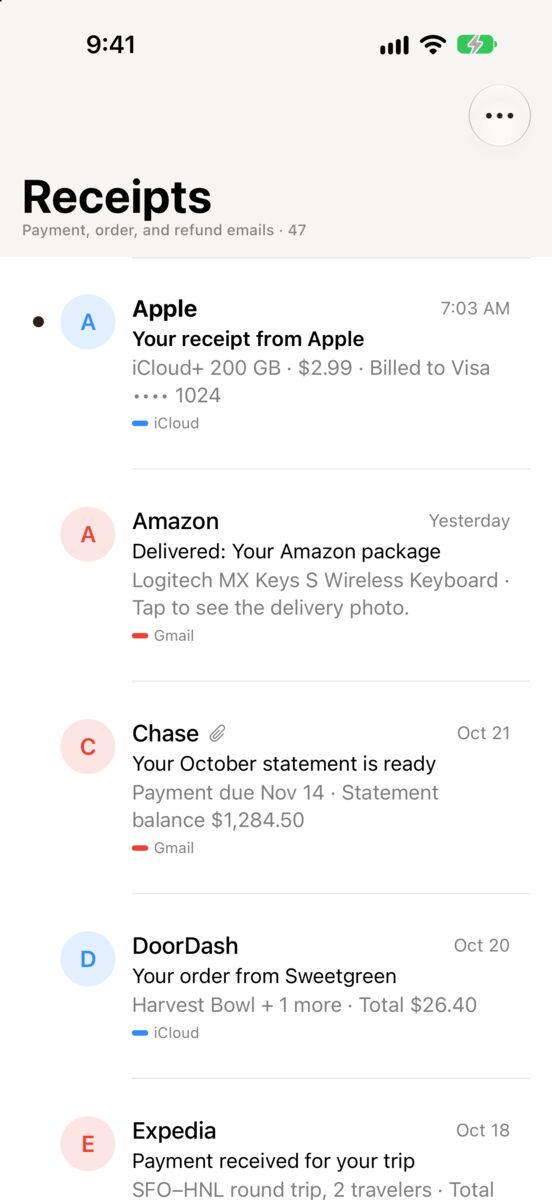
Write one line like "payment, order, and refund emails" and receipts from every account gather in one folder.
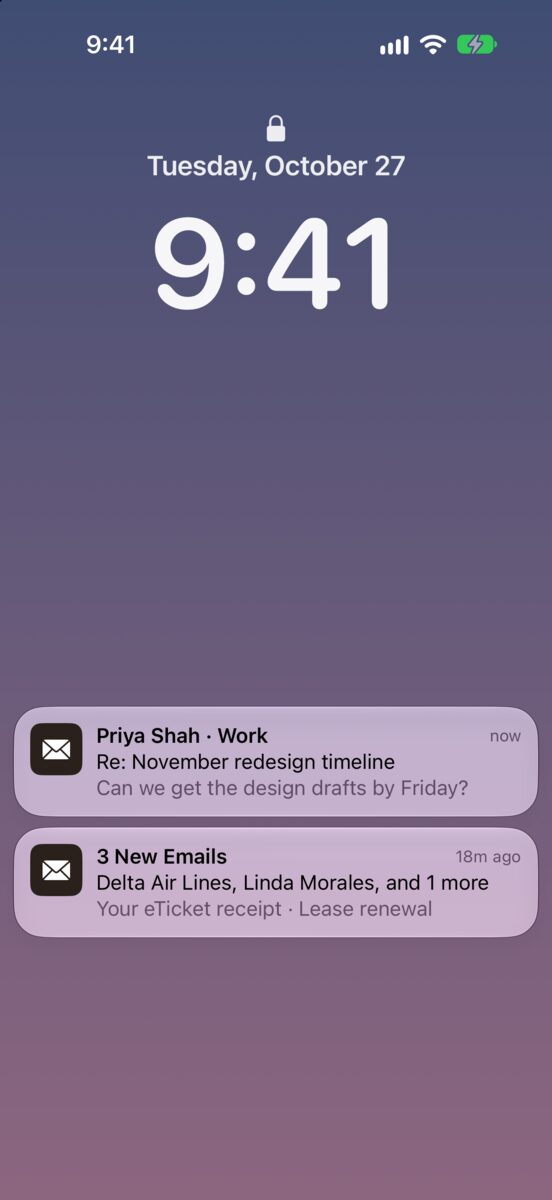
See who wrote and which account it came to, right in the notification. Choose which accounts alert you in Settings.
Mail that looks like spam stays out of your inbox. Mark one as not spam and Seal gets better at telling them apart.
Tap Translate to read a message in your language, and tap again to see the original.
Search and open mail from Spotlight or Shortcuts without opening the app. Turn it off in Settings if you prefer.
Get started
Every provider makes app passwords a little differently. Seal walks you through each step.
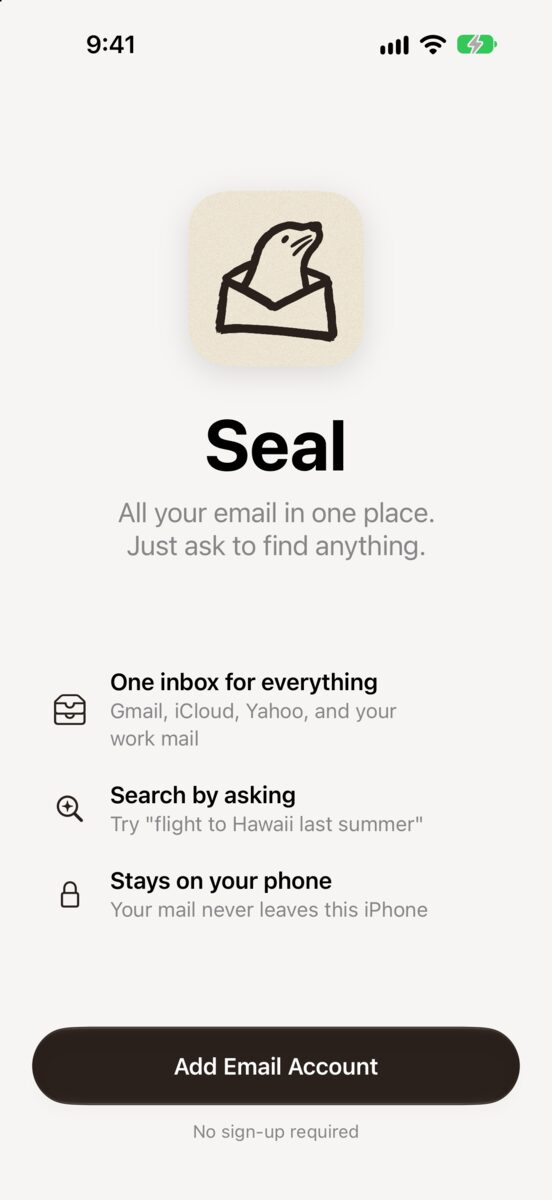
01
Pick Gmail, iCloud, or another provider and type your address. There's no Seal account to create.
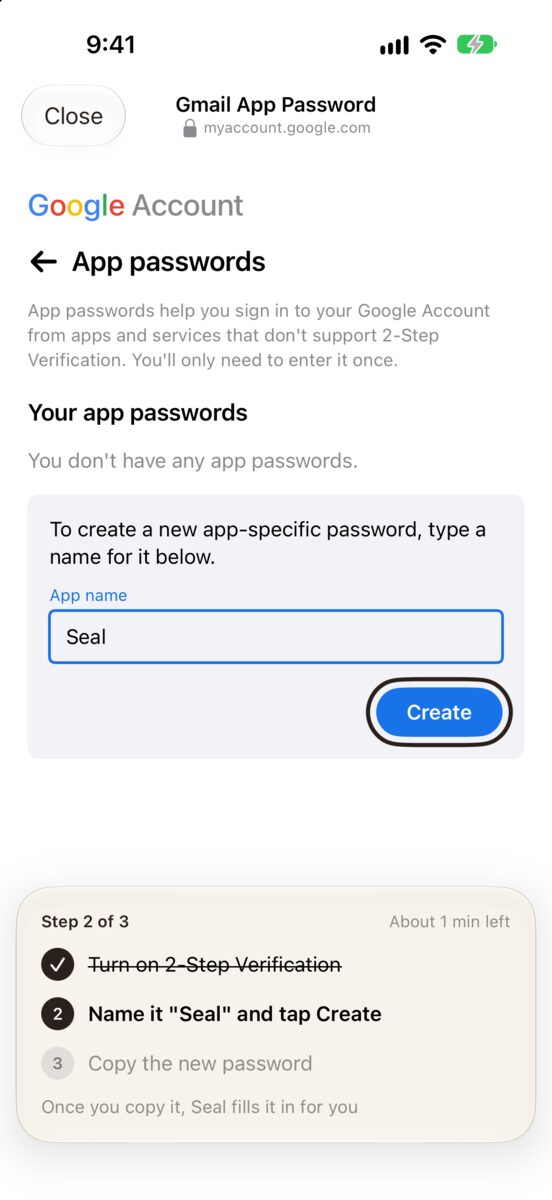
02
Seal opens your provider's settings page. Copy the password you create and Seal pastes it in for you.
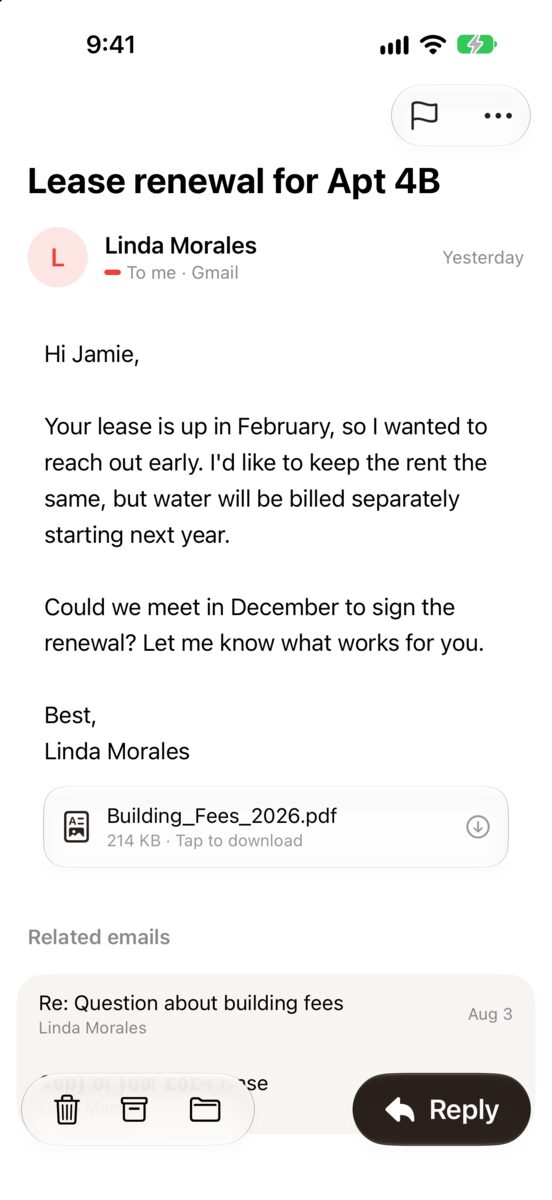
03
Recent mail arrives first. Older mail keeps getting organized in the background while you use the app.
Privacy
Reading, searching, and sorting all happen on the device. Even we, the people who make Seal, can't see your mail.
The details are in our Privacy Policy.
FAQ
Yes. Every feature is free. If you like the app you can leave a tip in Settings, but tipping doesn't unlock anything extra.
Gmail, iCloud, Yahoo, and AOL, plus Korean providers like Naver and Daum. Work email works too if it supports IMAP: just enter the server address. Outlook and Microsoft 365 aren't supported yet.
A separate password your email provider creates for use in other mail apps. You never give Seal your main password, and you can revoke it anytime from your provider's settings. Some providers ask you to turn on two-step verification first.
No. Seal has no servers. Mail travels only between your email provider and your iPhone, and search and spam checks run on the device.
When you first add an account, Seal organizes your mail on the device. Until that finishes, it matches exact words first. It finishes faster while your iPhone is charging.
Your account list, signatures, and smart folders move over through your iCloud. Message contents download again on the new device.
Any iPhone running iOS 26 or later. On iPhone Duo, the unfolded screen shows the list and the message side by side.
More answers are on the support page, or write to hey@notideal.fyi.
Seal
No sign-up. Connect your first account as soon as it downloads.
Download on the App Store